ACO MONITOR™
Advanced IBM i server and application event monitoring
ACO MONITOR™ is a complete systems management solution for your Power System running IBM i. Managing the complexities of today’s operating systems, business applications, and networks challenges even the most knowledgeable IT professionals. In addition, the cost to an enterprise of unplanned downtime, loss of human expertise during sick leave or vacation, and system/application or environmental failure can be devastating.
ACO MONITOR™ makes increasing use of your existing personnel and expertise to avoid these situations – resulting in reduced costs, reduced downtime, and a generally less stressed workforce. No other system lets you manage your IBM i with the same depth of automation, consistency, accuracy, and convenience as ACO MONITOR™.

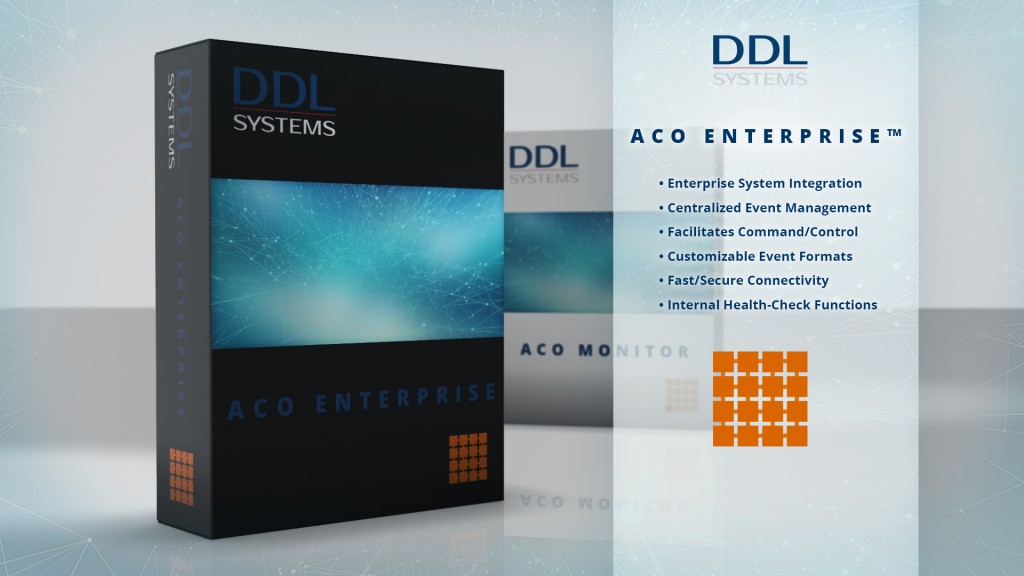
ACO ENTERPRISE™
Scalable IBM i solutions for the enterprise
ACO ENTERPRISE™ leverages the advanced monitoring features of ACO MONITOR™ and extends these capabilities to your enterprise. This product marked the beginning of a fundamental change in the workings of commercial data centers utilizing IBM i and other heterogeneous computer systems.
Events (you deem significant) are transformed, sent to the enterprise system, and interrogated to facilitate the formulation of “command and control” response information. In turn, ACO ENTERPRISE™ sends acknowledgments informing the enterprise system that its directives were successful. The software’s agents/probes also consistently initiate internal “heart-beat” and other scheduled health-check routines that ensure high availability.
Learn more about ACO ENTERPRISE™”
Need more information?
Our sales professionals are ready to answer your questions, perform a live demo, or provide a quote.